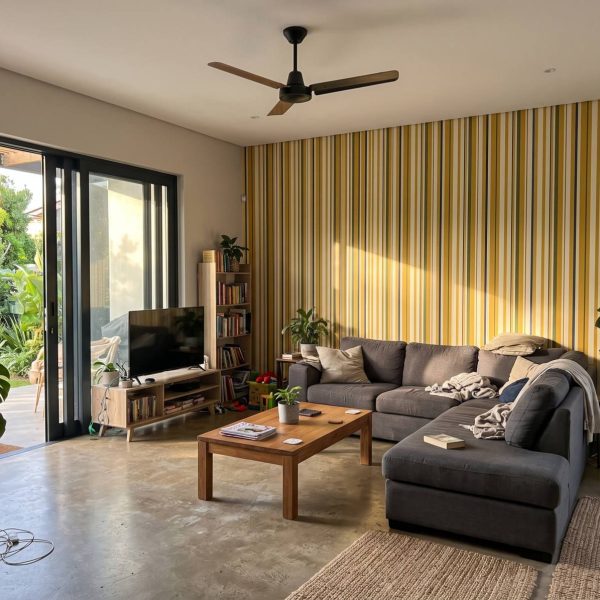
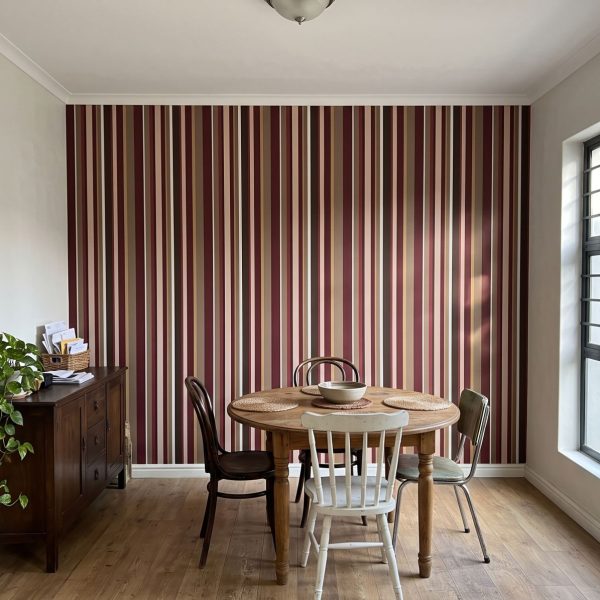
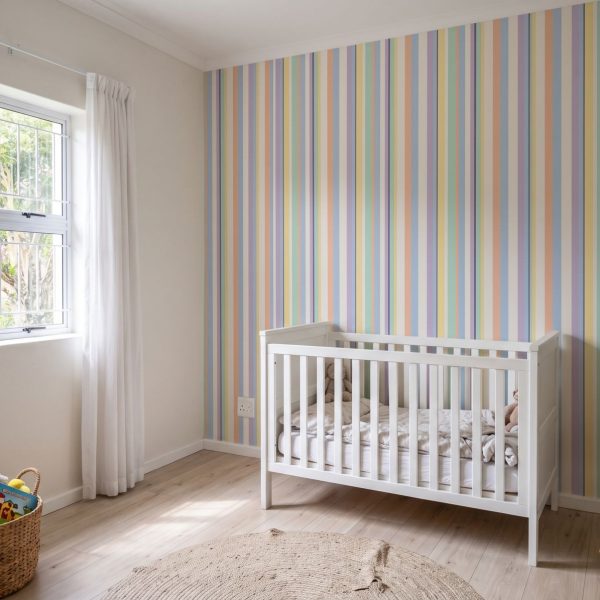
Free room visualiser

See any design on your own wall before you order

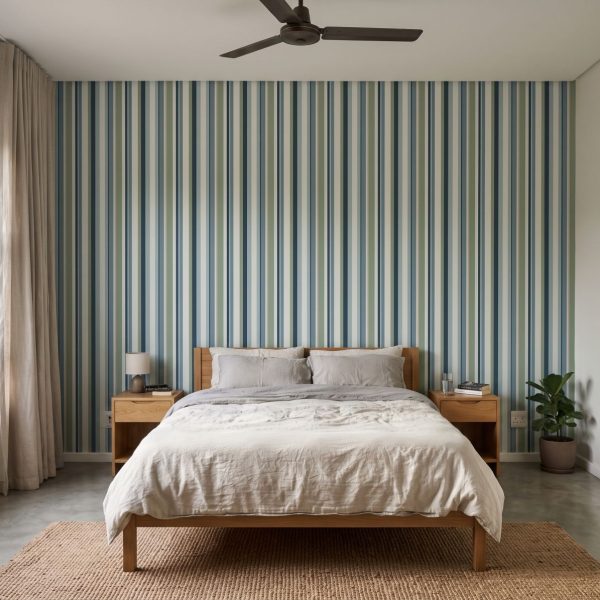
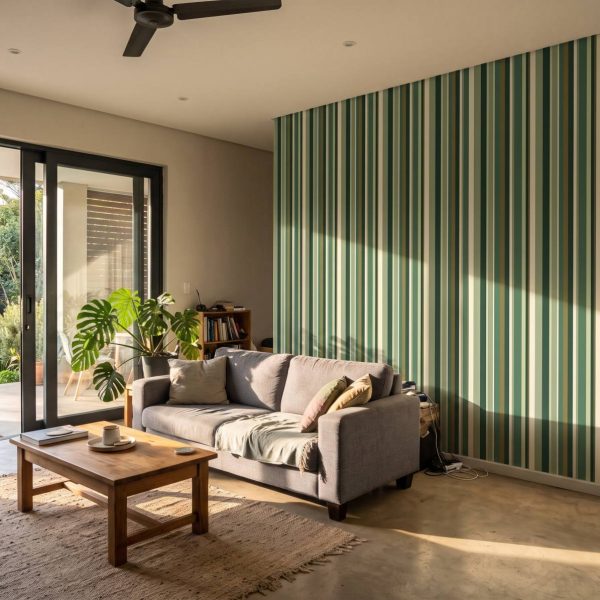
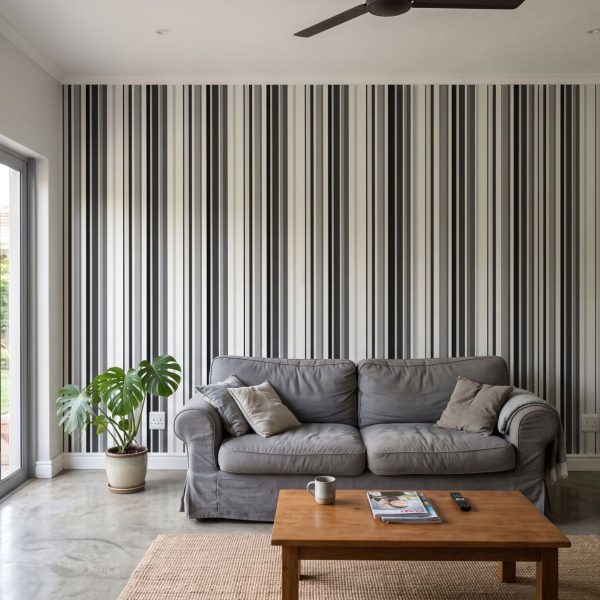
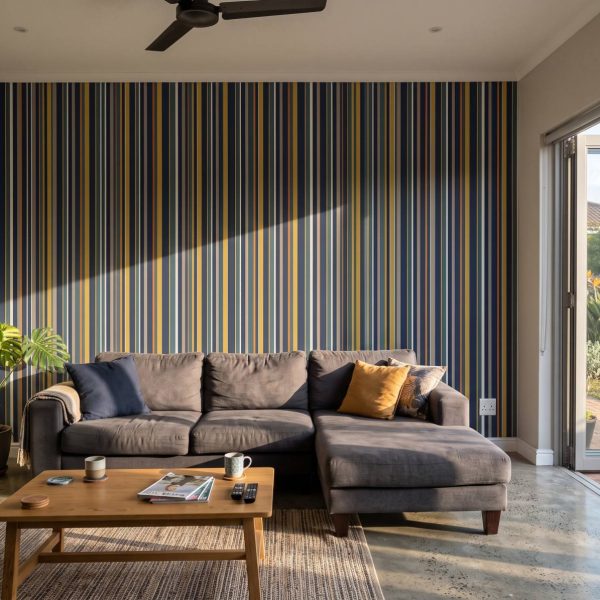
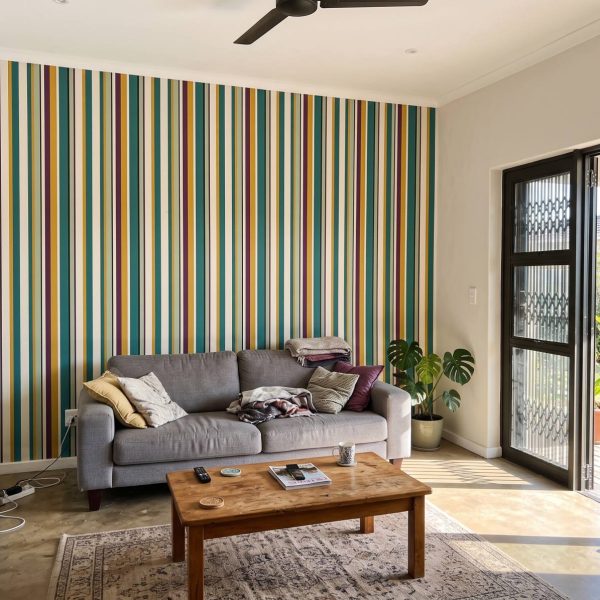
Take a photo of your wall, choose any wallpaper or mural, and get a realistic preview in about 30 seconds. Free, and no sign-up.
Works on any phone or computerEvery wallpaper and muralShown at the right scale
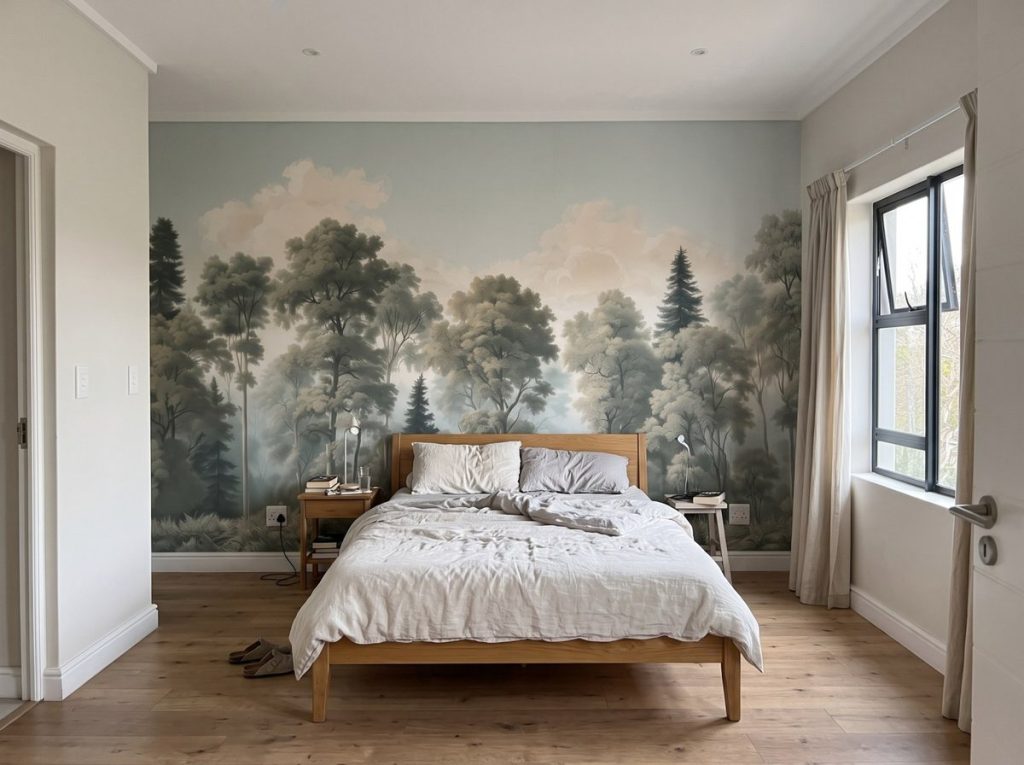
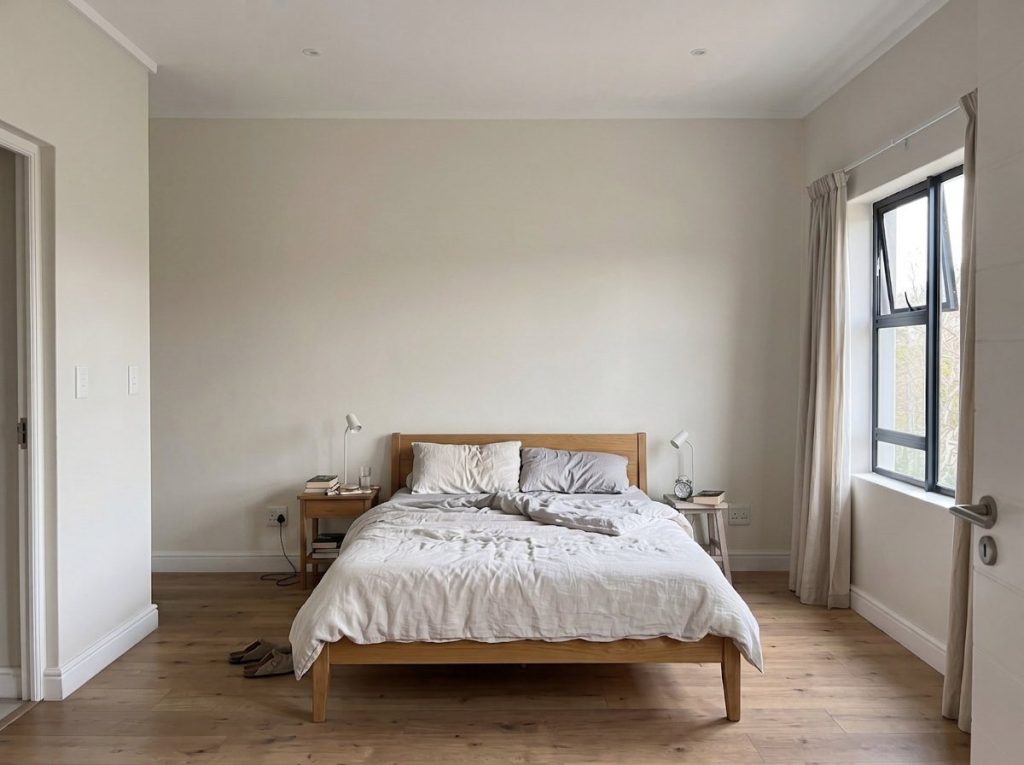
The same bedroom with the Vintage Forest Soft mural behind the bed A bedroom with a plain painted wall behind the bed
BeforeAfter

Drag to compare: a plain wall, and the same room with our Vintage Forest Soft mural.

How it works
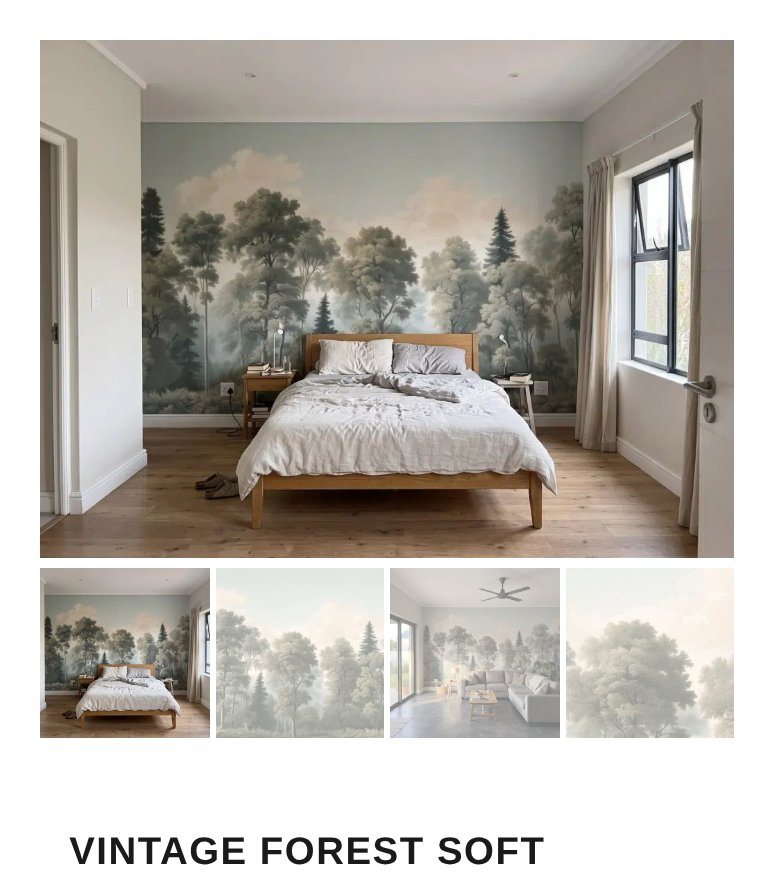
Three steps, about a minute

A mural product page on a phone
1

Open any design

Find a wallpaper or mural you like and open its product page. Every design in the shop works with the visualiser.
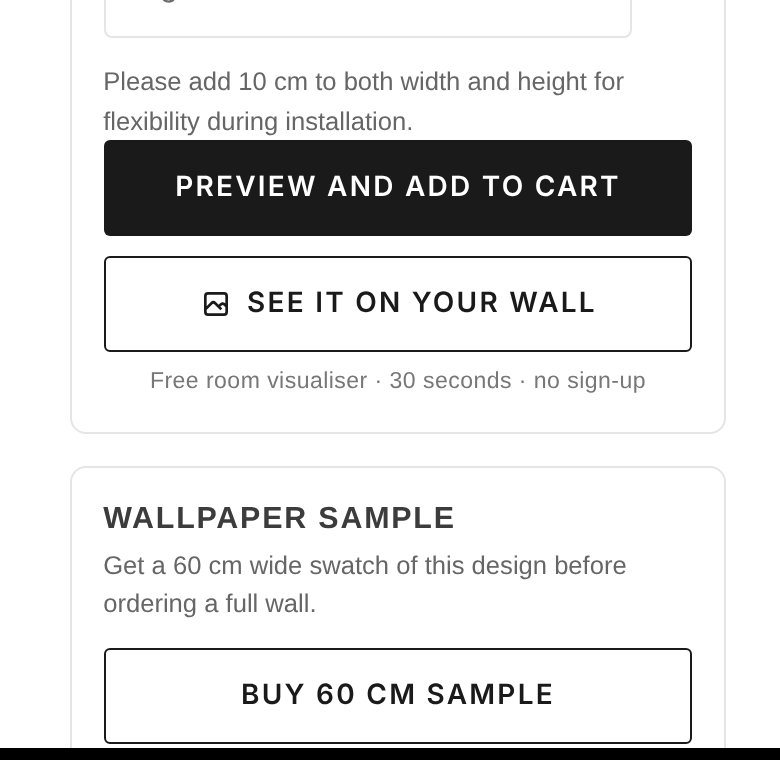
The See it on your wall button below the wall size box
2

Tap “See it on your wall”

You’ll find the button just below the wall size box. Add your wall’s width and height in centimetres first, so the design is shown at the right scale.
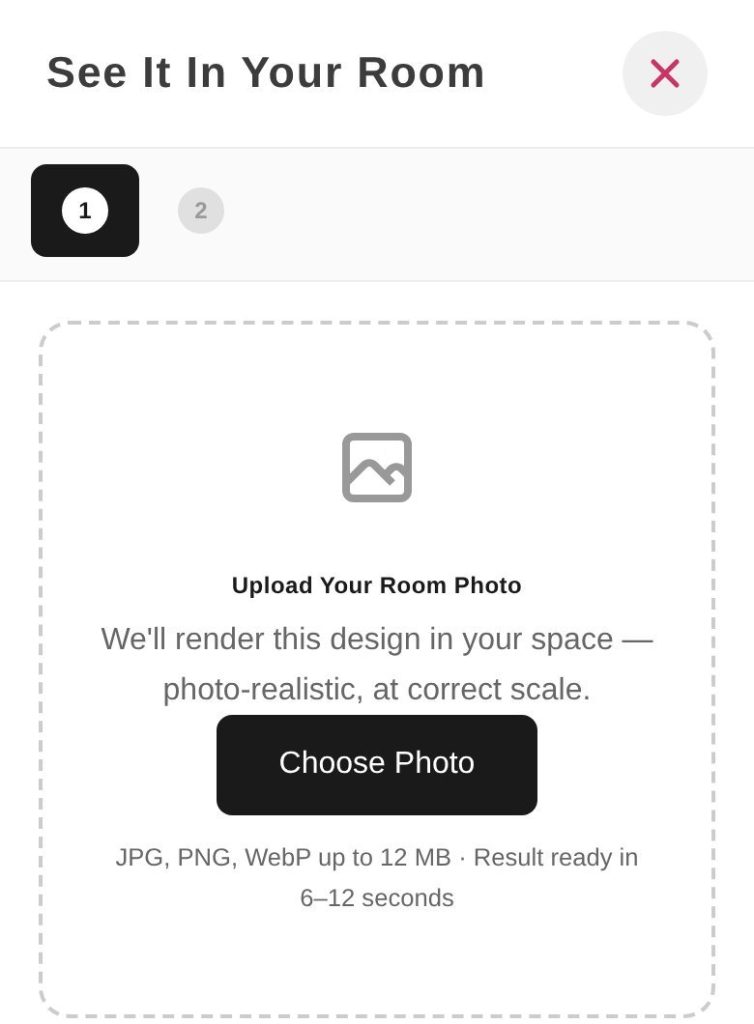
The visualiser asking for a photo of your room
3

Add a photo of your wall

Take a photo or choose one you have. Your preview is ready in seconds, and you can try as many designs as you like.

For the best result

How to take your photo

A good photo makes the biggest difference. A quick snap on your phone is enough.

Stand straight on

Face the wall directly, not from an angle, with the whole wall in the frame.

Use daylight

Even light gives truer colours. Avoid strong shadows across the wall.

Leave some furniture in

A bed, sofa or chair helps the visualiser show the design at the right size.

Enter your wall size

Add width and height on the product page first for the most accurate scale.

Try it now
Start with one of our latest designs

See all murals

Questions

Is the visualiser free?

Yes. It’s free to use on every design, with no account or sign-up.

How accurate are the colours?

The preview shows the design at the right scale, but every screen shows colour a little differently. Before ordering a full wall, order a 60 cm sample to see the true colour and texture.

Can I use it on a computer?

Yes. Upload any photo of your room as a JPG, PNG or WebP file, up to 12 MB.

Can I try more than one design?

Yes. Open another design and tap “See it on your wall” again with the same photo.

Find a design to tryStuck? WhatsApp us and we’ll help.